Documentation
Welcome to the SAR Portal documentation. This guide will help you understand and use all features of the platform to manage Data Subject Access Requests (DSARs) efficiently and maintain GDPR compliance.
What is SAR Portal?
SAR Portal is a comprehensive platform designed to help businesses of all sizes handle GDPR privacy requests. Whether you receive a few requests per year or dozens per month, SAR Portal provides the tools you need to:
- Receive requests through a branded public portal or create them manually
- Track deadlines with automatic one-month countdown and extension management
- Process documents with AI-powered PII detection and redaction, on every plan within its page allowance
- Maintain compliance with an audit log of every action that no user can edit or delete, and verification tools
- Collaborate with your team using role-based access controls
Quick Links
GDPR Request Types Supported
SAR Portal supports all GDPR data subject request types:
| Request Type | GDPR Article | Description |
|---|---|---|
| Access Request | Article 15 | Right to obtain confirmation and access to personal data |
| Erasure Request | Article 17 | Right to be forgotten / deletion of personal data |
| Rectification | Article 16 | Right to correct inaccurate personal data |
| Objection | Article 21 | Right to object to processing |
| Restriction | Article 18 | Right to restrict processing |
| Portability | Article 20 | Right to receive data in portable format |
| Automated Decision | Article 22 | Rights related to automated decision-making |
Platform Features
For Small Businesses
- Simple, guided workflows
- No technical setup required
- Public portal for receiving requests
- Email notifications (new requests, status changes, invitations)
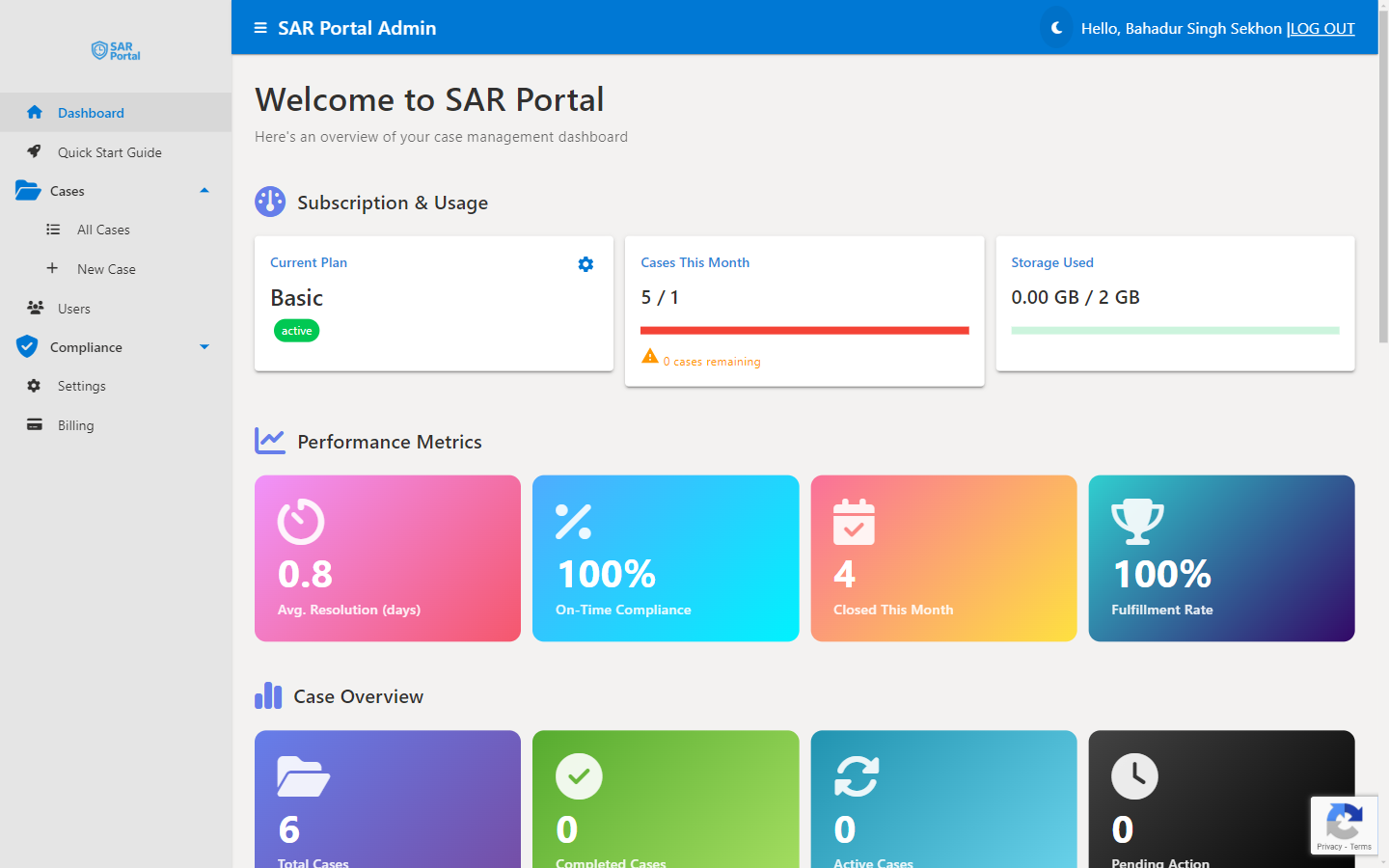
- Each case shows its due date and the days left, and the dashboard lists cases due in the next 7 days and shows how many are overdue
For Growing Teams
- Multi-user access with role-based permissions
- Batch document processing
- Custom branding (Pro and Enterprise)
For Enterprise
- Bulk ZIP archive processing: up to 5 GB or 50,000 files per job
- Custom email templates and sender address
- Support reply within four business hours
- A named contact (one of our directors)
- 99.5% monthly uptime commitment
Need Help?
- Email Support: support@sarportal.com
- Quick Start Guide: Available in-app after login, or read the Quick Start Guide here
- Install the app: Install SAR Portal as an App on your computer, phone or tablet
- Contact Form: Contact Us