Your Systems (AI Guidance)
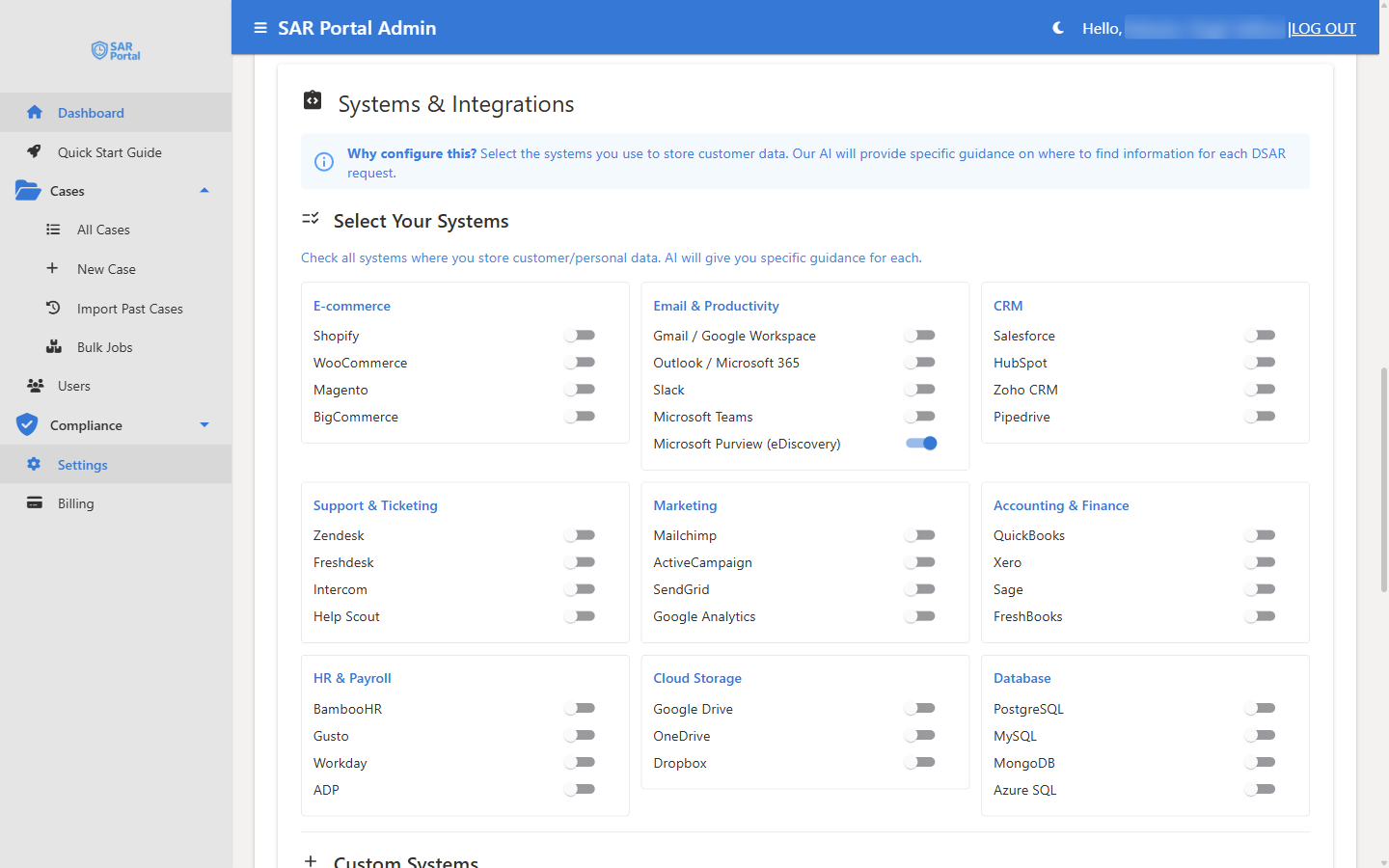
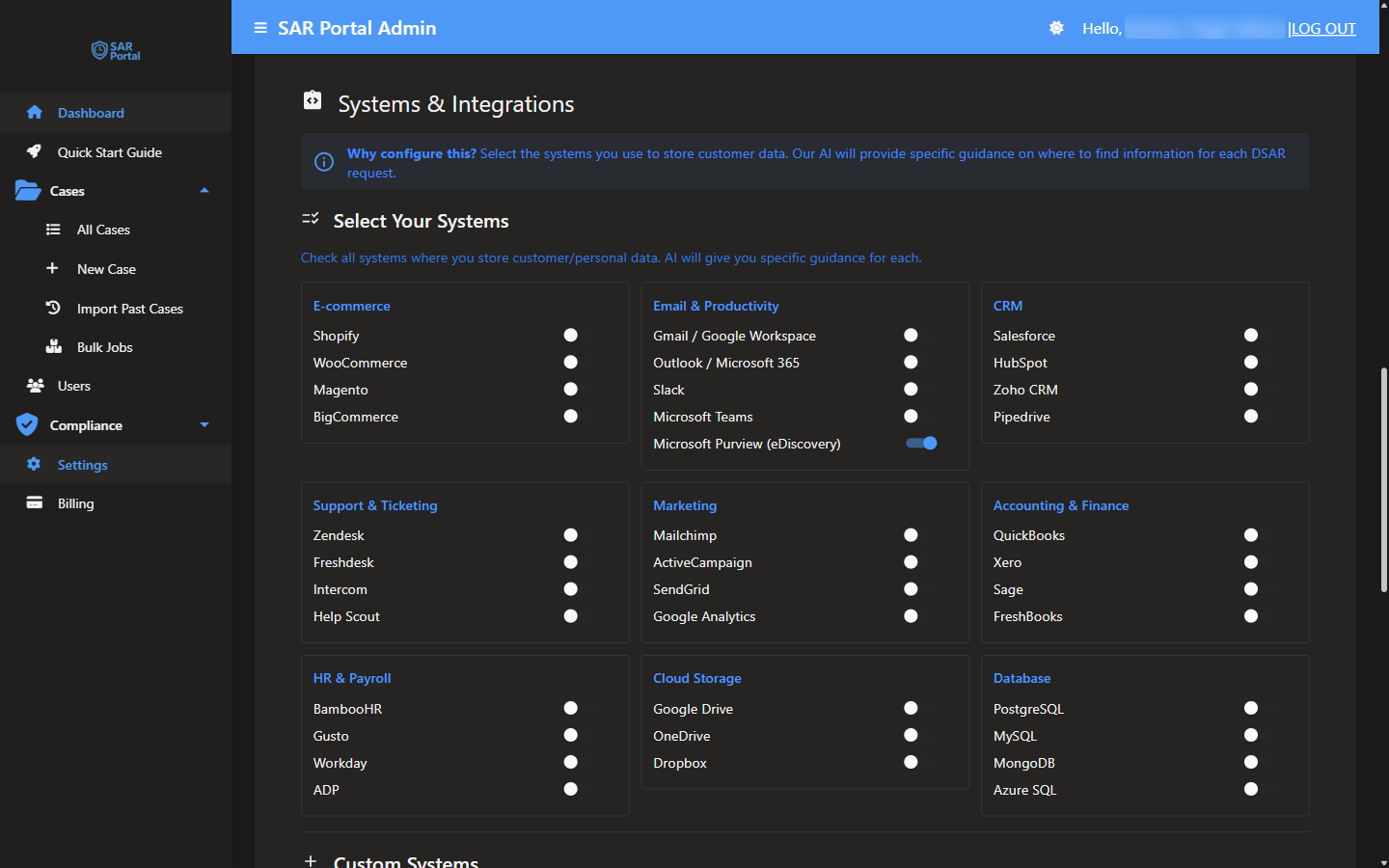
The Systems & Integrations card lists the systems where your organization stores customer and personal data. When you tick the ones you use, the AI guidance on each case (“What to do next” in AI Insights) gives step-by-step search instructions for those systems instead of generic advice.
Who Can Use This
- Setting up the list: Admins only, like the rest of Settings.
- Seeing the guidance: on the case page, in AI Insights, after Analyze with AI.
It is available on every plan. The guidance is an AI feature, so it uses your AI allowance and is unavailable when AI features are restricted on your subscription.
Why Configure This
The in-app message reads: “Why configure this? Select the systems you use to store customer data. Our AI will provide specific guidance on where to find information for each DSAR request.”
Without any systems selected, the guidance is generic, for example “check all customer databases”. With systems selected, it can say “search for the requester’s email address in Salesforce and HubSpot”. The Quick Start Guide includes this as the optional step Configure Your Systems (Optional).
Select Your Systems
- Click Settings in the sidebar
- Open the Integrations tab and scroll to External Systems (or go straight to
/settings#systems) - Under Select Your Systems, switch on every system where you store customer or personal data
- Add any others under Custom Systems
- Optionally fill in Business Context (Optional)
- Click Save Settings
The systems are grouped by category:
| Category | Systems |
|---|---|
| E-commerce | Shopify, WooCommerce, Magento, BigCommerce |
| Email & Productivity | Gmail / Google Workspace, Outlook / Microsoft 365, Slack, Microsoft Teams, Microsoft Purview (eDiscovery) |
| CRM | Salesforce, HubSpot, Zoho CRM, Pipedrive |
| Support & Ticketing | Zendesk, Freshdesk, Intercom, Help Scout |
| Marketing | Mailchimp, ActiveCampaign, SendGrid, Google Analytics |
| Accounting & Finance | QuickBooks, Xero, Sage, FreshBooks |
| HR & Payroll | BambooHR, Gusto, Workday, ADP |
| Cloud Storage | Google Drive, OneDrive, Dropbox |
| Database | PostgreSQL, MySQL, MongoDB, Azure SQL |
Below the list, Selected Systems shows a count and a chip for each system you switched on.
Custom Systems
Use Custom Systems for anything not listed, such as an internal CRM or a legacy database. Enter one system name per line.
Business Context (Optional)
A short description of your business, for example “E-commerce company selling electronics, ~500 orders/month, EU customers only”. The helper text reads “This helps AI provide more relevant guidance”.
Microsoft Purview (eDiscovery)
If your organization uses Microsoft 365, switch on Microsoft Purview (eDiscovery). A custom system whose name contains “Purview”, “eDiscovery” or “e-discovery” counts too.
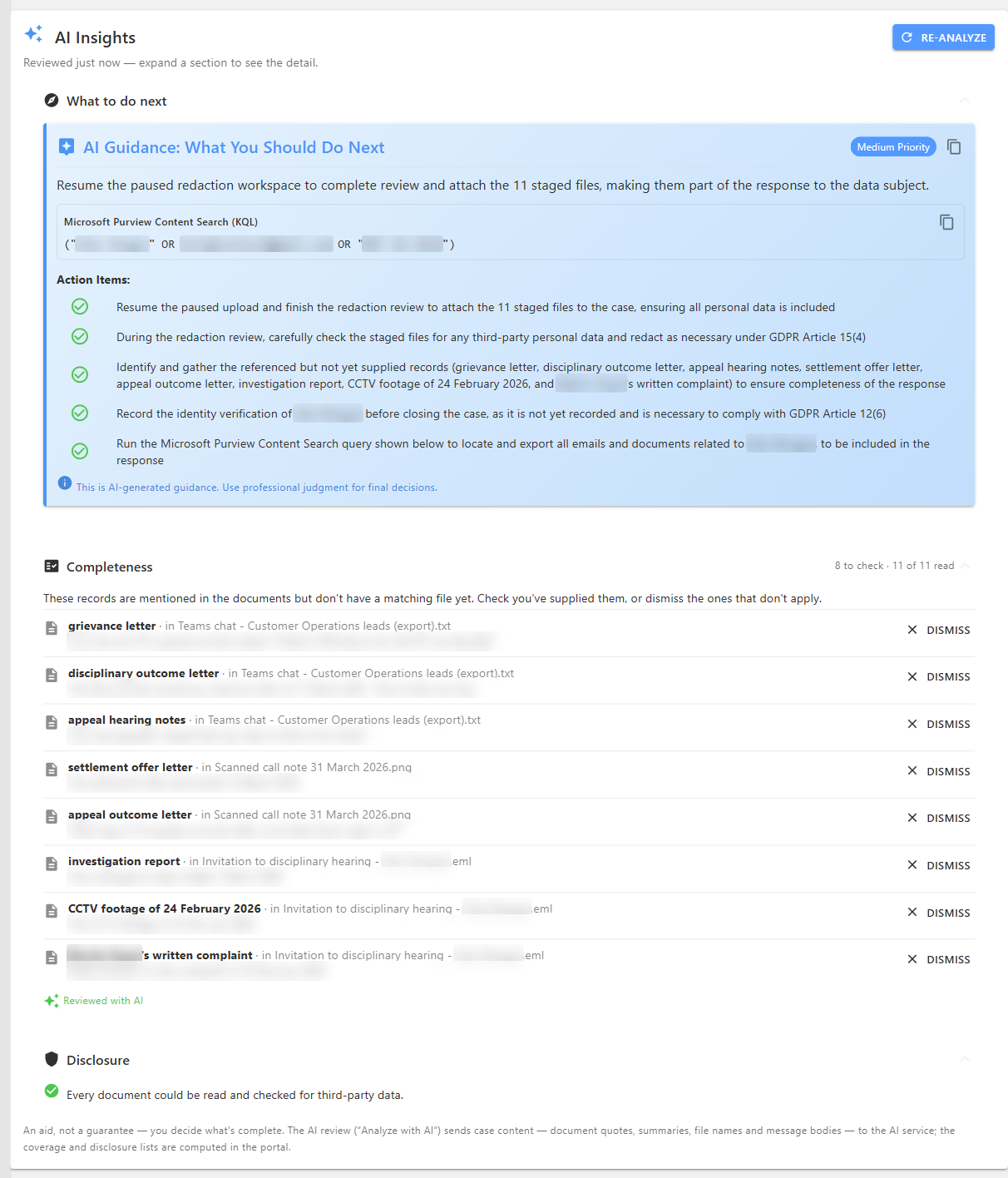
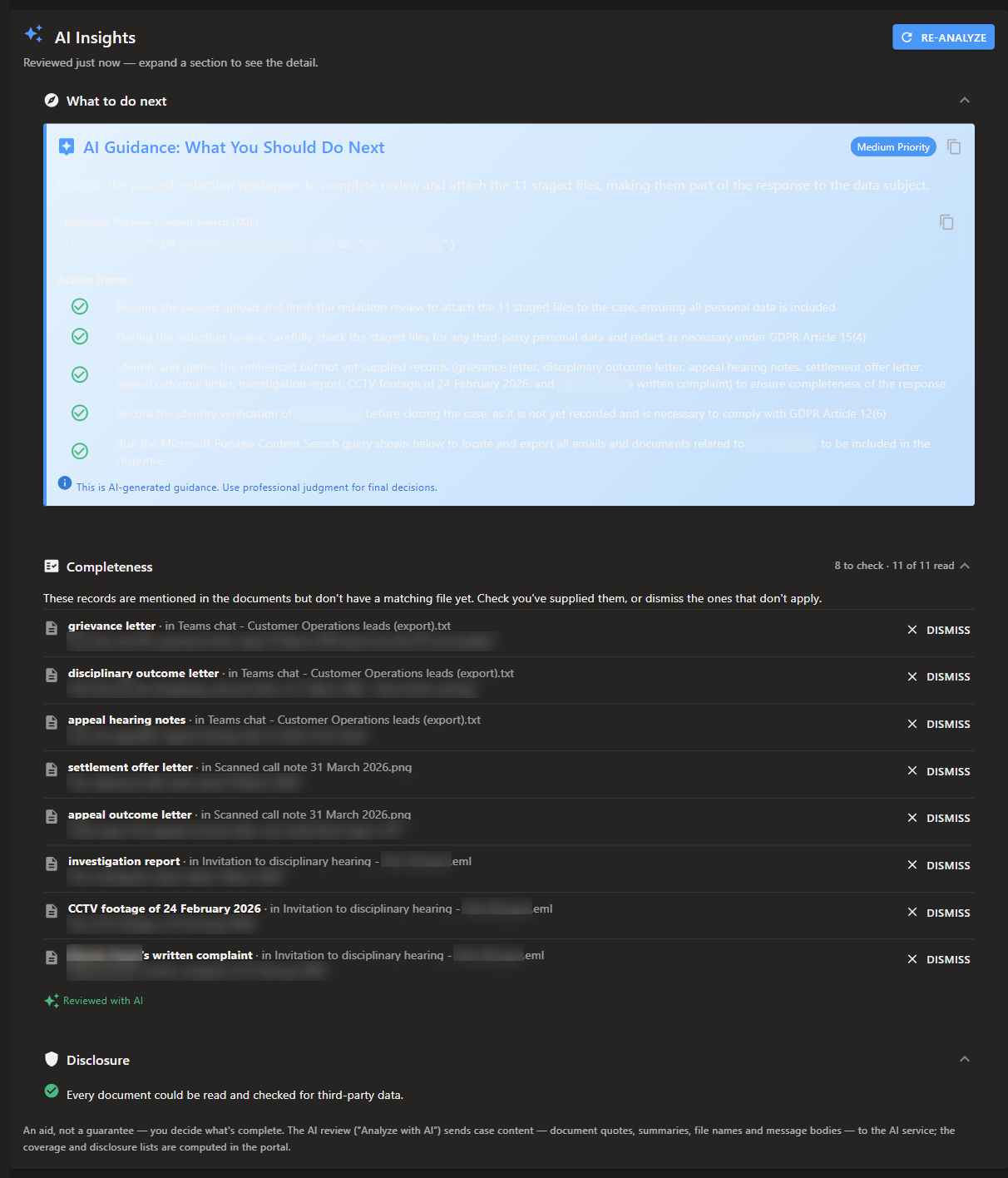
The guidance in What to do next then includes a ready-to-run Microsoft Purview Content Search (KQL) query with a copy button. The query is built from the requester’s name, email addresses and phone numbers, joined with OR, for example:
("Jane Doe" OR jane.doe@example.com OR "+44 7700 900123")
Paste it into a Purview Content Search. It searches all mailbox and site locations. If someone has to be left out of the results, the query excludes them as a participant in a message rather than removing a mailbox, so emails that only mention them are still found.
Best Practices
- Select every system that holds personal data, including HR and finance systems for employee requests
- Keep the list current when you add or retire a system
- Keep Business Context short and factual, and do not include personal data in it
Related Pages
- Integrations - Public Case Portal URLs on the same tab
- Case Actions - Working a case
- Usage & Limits - Your AI and page allowance